
HarmonyHR turns messy onboarding into a clear, repeatable process. Standardize tasks, keep HR, managers and IT in sync, and help every new hire feel welcome and productive from day one.
Talk to an onboarding expert
Create onboarding templates for different roles, departments or locations. When a new hire joins, the right workflow is launched automatically — no one needs to build the process from scratch each time.
See a live product tour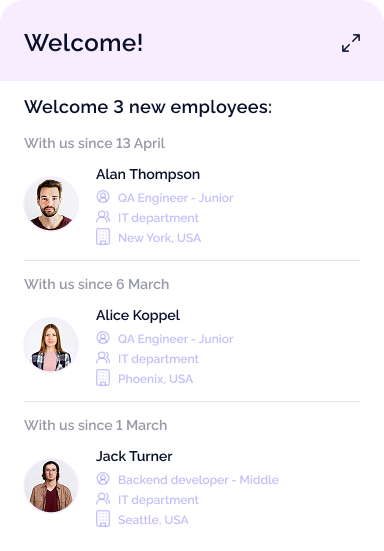
Assign tasks with clear owners and due dates: HR collects documents, IT prepares hardware and access, managers schedule introductions. New hires see their own checklist so they always know what’s next.
See a live product tour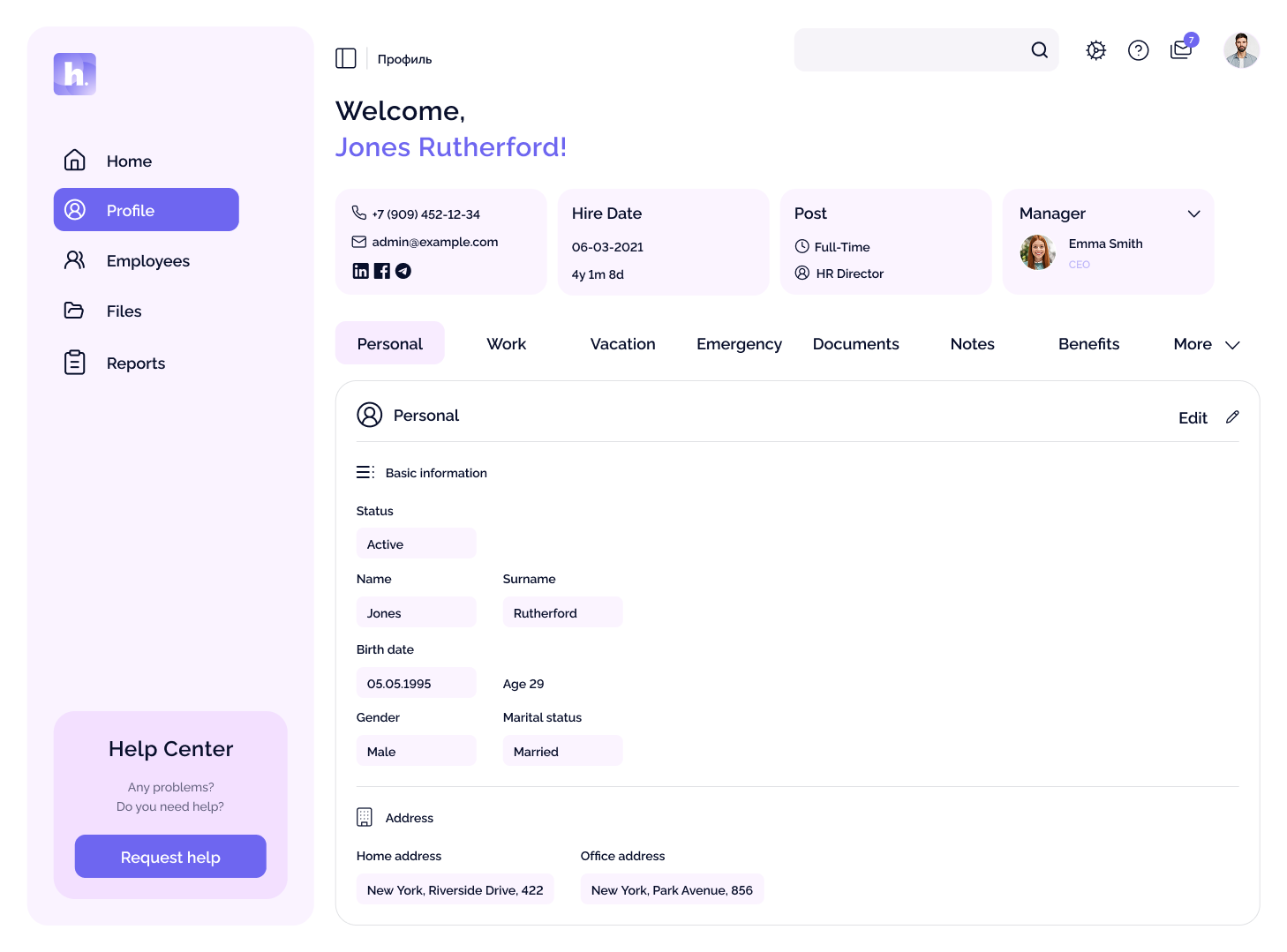
Onboarding lives inside your HRIS. Positions, managers, locations, probation dates and cost centres are all in sync. Less manual entry, fewer mistakes.
See a live product tour
Automated reminders keep everyone on track. If a task is overdue or a contract isn’t signed, the right person gets notified before it becomes a problem.
See a live product tour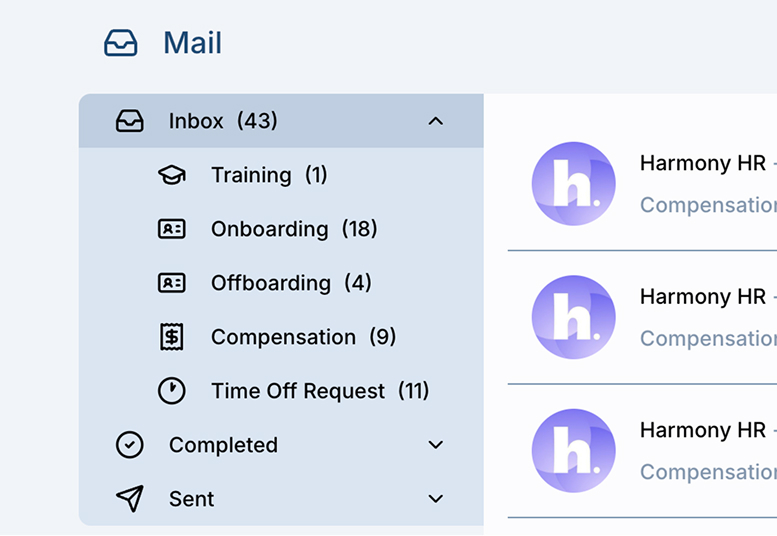
Use HarmonyHR as your employee onboarding system to manage current and yet-to-be-formalized activities


One unified onboarding for all locations and time zones, with local holidays and working patterns handled automatically.

Run HarmonyHR on-premise or in your own private cloud to meet strict security, client and regulatory requirements.

HR, managers, IT, finance and security see only what they need; managers manage onboarding and leave without access to salary or medical data, with all actions logged.
We manage the rollout with your team so you don’t have to pause hiring or wait for a long IT project
We review your roles, locations and existing steps, then design clear onboarding workflows and identify the quickest wins to automate.
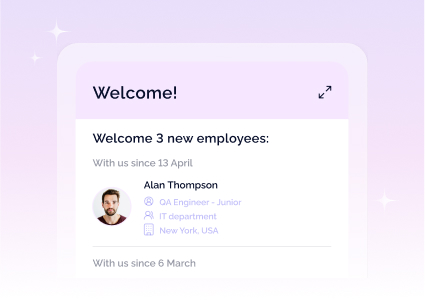
We set up roles, approval chains and onboarding templates that match how your company really works — not an abstract “best practice” flow.
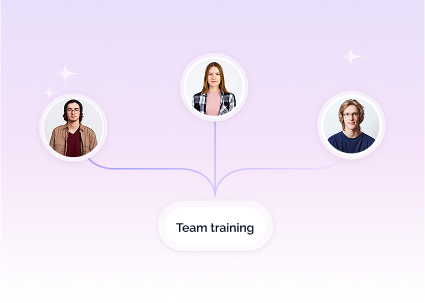
We securely transfer your HR data from spreadsheets or legacy tools into HRIS, train HR and managers, adjust the last details and start onboarding new hires in HarmonyHR.
Book a free, 30-minute onboarding strategy session. We’ll map your current process, show you how HarmonyHR fits in, and build a rough ROI estimate based on your headcount and hiring plans.
Book a free assessment
Yes. Many teams start with onboarding and then roll out other modules like time off, benefits or performance management when they’re ready.
The first standard workflow for a typical role can usually be configured and tested within a few days. Full rollout across departments typically fits into a 2-week window.
No. HarmonyHR can act as your main HRIS, or we can integrate with existing systems. We’ll help you choose the setup that makes the most sense for your size and tech stack.
Yes. You can deploy HarmonyHR on-premise or in a private cloud environment you control. Many clients in security-sensitive industries choose this option.
We provide training, templates and best-practice examples for HR and managers. Your customer success manager stays with you after go-live to help you refine and optimize onboarding over time.