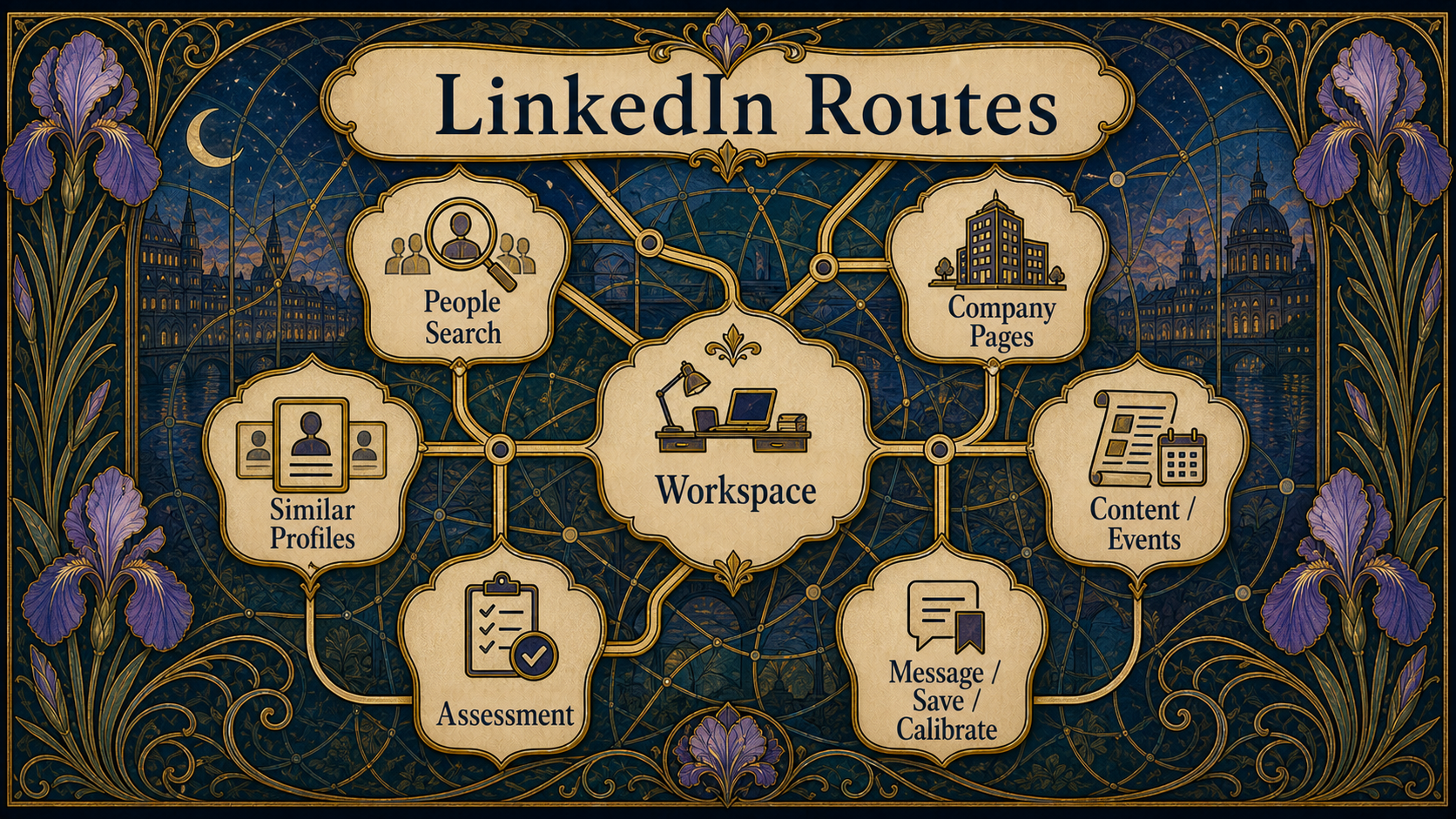
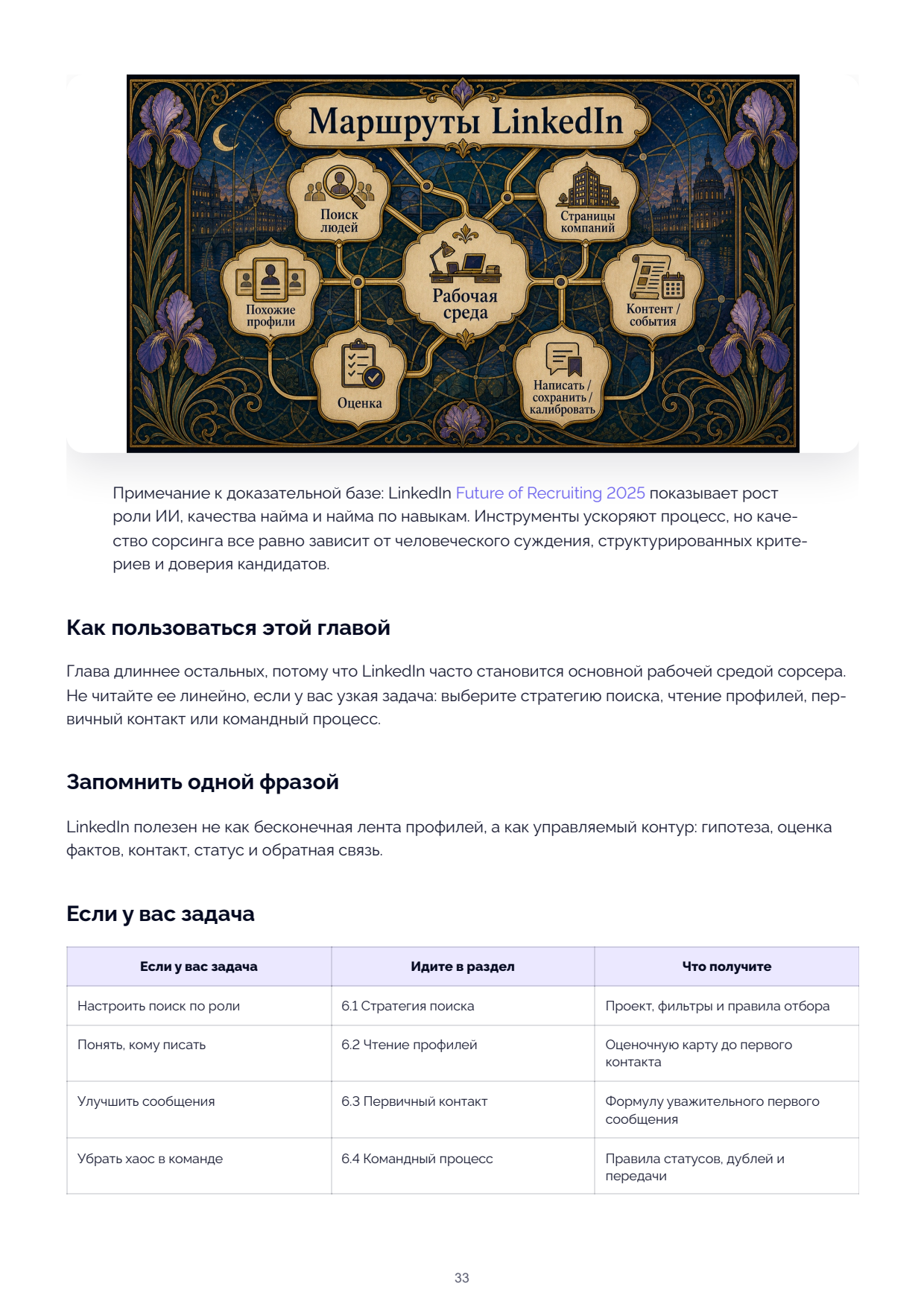
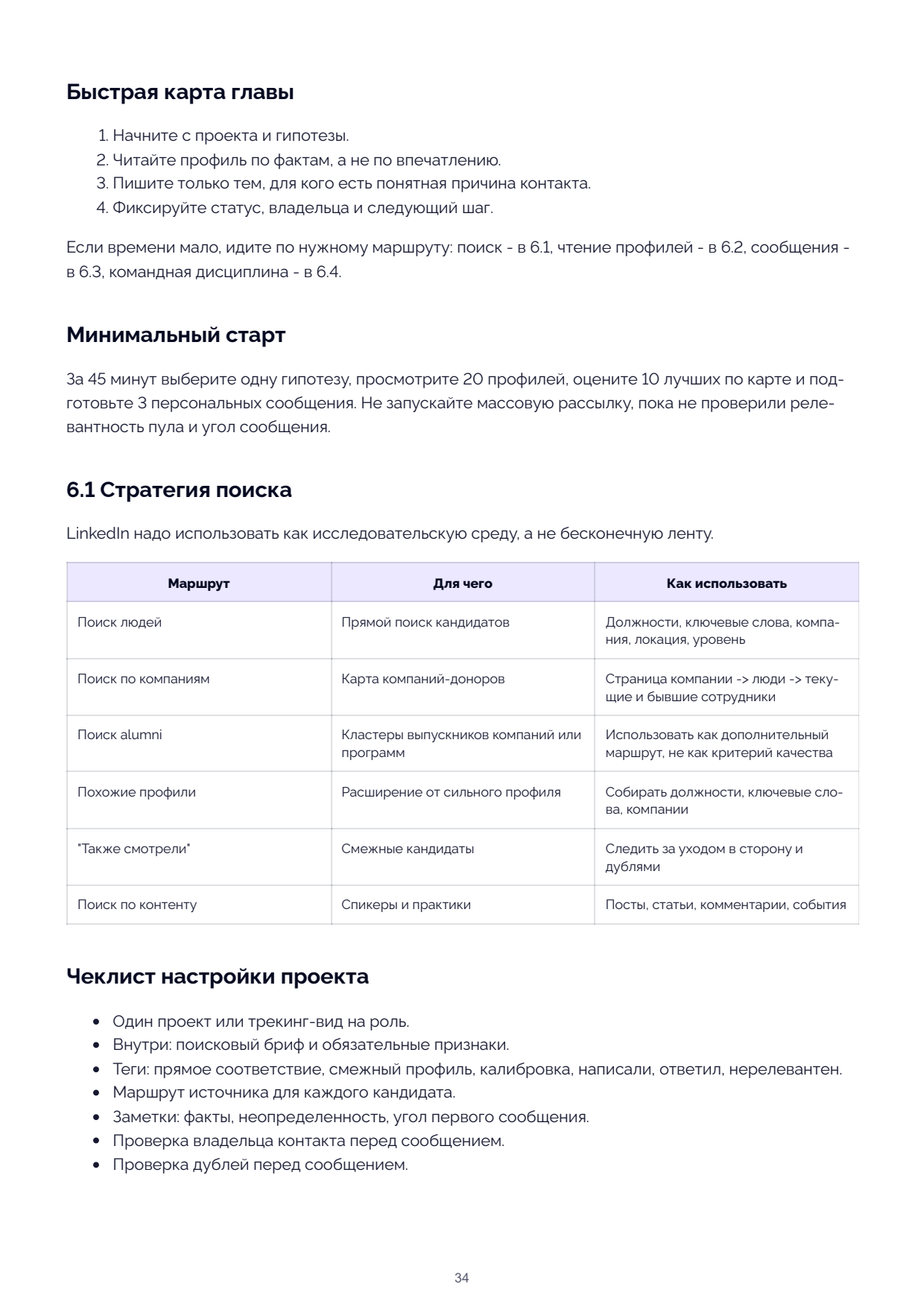
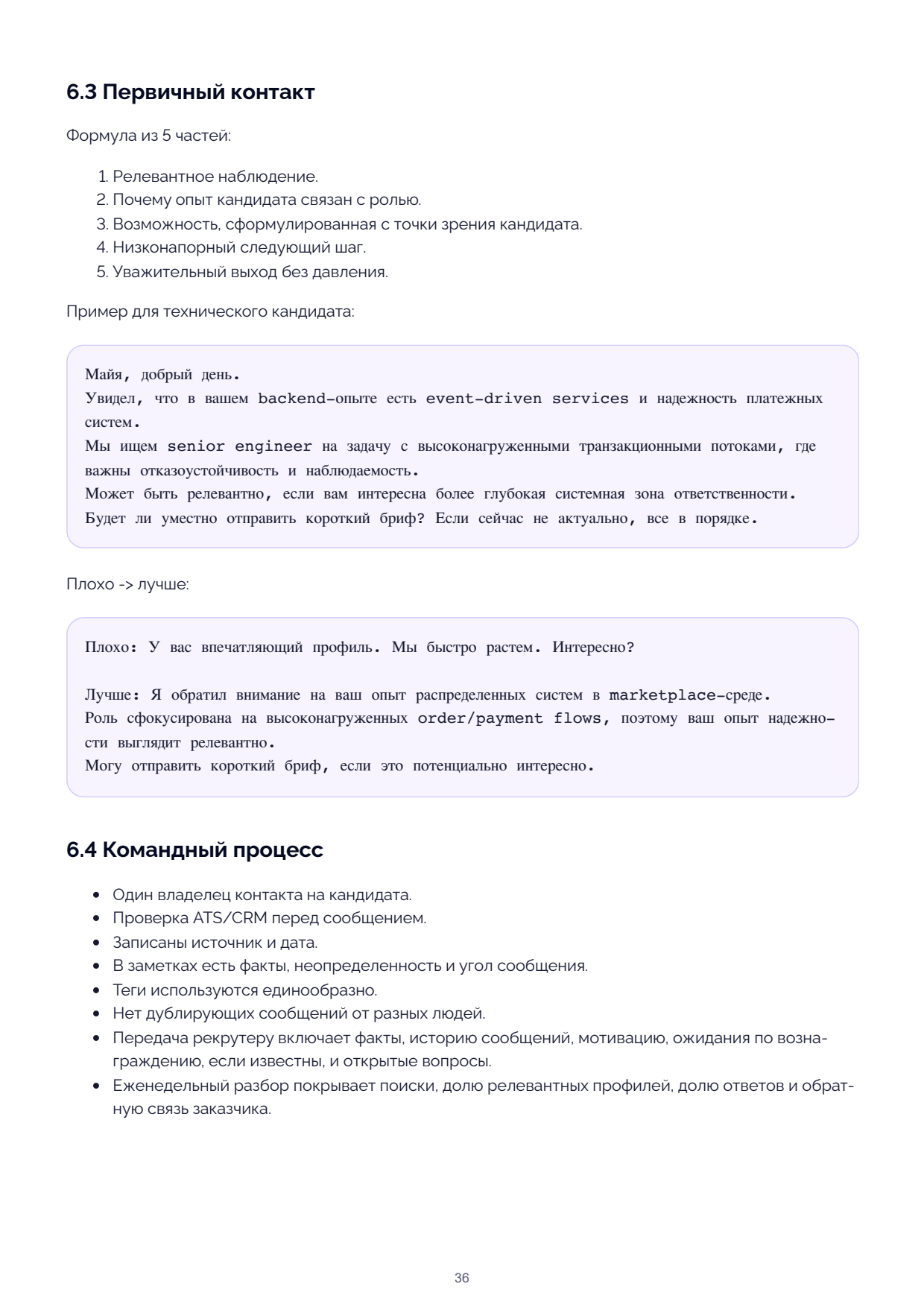
Chapter 06. LinkedIn as a Working Environment


Evidence note: LinkedIn Future of Recruiting 2025 shows growing roles for AI, hiring quality,
and skills-based hiring. Tools accelerate the process, but sourcing quality still depends on
human judgement, structured criteria, and candidate trust.
How to Use This Chapter
This chapter is longer than the others because LinkedIn often becomes the sourcer's primary
working environment. Do not read it linearly if you have a narrow task: choose the search
strategy, profile reading, first contact, or team process section.
Remember in One Phrase
LinkedIn is useful not as an endless feed of profiles but as a managed loop: hypothesis, fact
evaluation, contact, status, and feedback.
| If Your Task Is | Go to Section | What You Get |
|---|---|---|
| Set up search by role | 6.1 Search Strategy | Project, filters, and selection rules |
| Understand who to write to | 6.2 Reading Profiles | An evaluation map before first contact |
| Improve messages | 6.3 First Contact | A formula for a respectful first message |
| Remove team chaos | 6.4 Team Process | Status, duplicate, and handover rules |
Quick Chapter Map
1. Start with a project and a hypothesis.
2. Read profiles by facts, not by impression.
3. Write only to people for whom you have a clear reason to contact.
4. Record the status, the owner, and the next step.
If time is short, follow the route you need: search in 6.1, profile reading in 6.2, messages in
6.3, team discipline in 6.4.
Minimal Start
In 45 minutes, pick one hypothesis, review 20 profiles, score the top 10 against the map,
and prepare 3 personalised messages. Do not launch a mass outreach until you have verified
the pool's relevance and the message angle.
6.1 Search Strategy
LinkedIn should be used as a research environment, not an endless feed.
Route Purpose How to Use
People search Direct candidate search Job titles, keywords, company,
location, level
Company search Donor company map Company page → people → current
and former employees
Alumni search Clusters of graduates from companies or Use as an additional route, not
programmes a quality criterion
Similar profiles Expansion from a strong profile Collect job titles, keywords,
companies
"Also viewed" Adjacent candidates Watch for drift and duplicates
Content search Speakers and practitioners Posts, articles, comments, events
Project Setup Checklist
One project or tracking view per role.
Inside: the search brief and mandatory traits.
Tags: direct match, adjacent profile, calibration, contacted, responded, irrelevant.
Source route recorded for each candidate.
Notes: facts, ambiguity, first-message angle.
Ownership check before messaging.
Duplicate check before messaging.
Daily LinkedIn Workflow
1. Open the search brief.
2. Pick one hypothesis.
3. Run one search route.
4. Review 25–40 profiles.
5. Save only profiles with facts or useful ambiguity.
6. Add a note before moving to the next profile.
7. Send a small batch of relevant messages.
8. Log responses and rejection patterns.
9. End with one conclusion: keyword, job title, company, or message angle.
6.2 Reading Profiles
Read facts, not "impressions":
Current role and scope of responsibility.
Previous roles and career trajectory.
Domain relevance.
Company environment and scale.
Tools, projects, product or market context.
Achievements with outcomes.
Level signals: task ownership, ambiguity, impact, complexity.
Motivation signals: tenure at current employer, growth ceiling, public interest in a topic,
relocation signals.
Red flags and ambiguity.
What cannot be inferred from the profile.
Profile Evaluation Map
Criterion 0 1 2
Mandatory traits No Possibly Clearly present
Relevant environment No Adjacent Direct
Level and scale Does not match Unclear Matches
Transferability of experience Weak Possible Strong
First-message angle None Generic Specific
Risk/ambiguity High Manageable Low
Decision Rule: 9–12 — contact; 6–8 — save or calibrate; 3–5 — reject unless the market is
extremely narrow; 0–2 — reject.
6.3 First Contact
Five-part formula:
1. A relevant observation.
2. Why the candidate's experience connects to the role.
3. An opportunity framed from the candidate's perspective.
4. A low-pressure next step.
5. A respectful exit without pressure.
Example for a Technical Candidate:
Hi Maya,
I noticed that your backend experience includes event-driven services and payment system
reliability.
We are looking for a senior engineer for a role involving high-load transactional flows where
fault tolerance and observability matter.
This may be relevant if you are interested in a deeper systems ownership scope.
Would it be appropriate to send a short brief? If the timing is not right, that is fine.
Poor → Better:
Poor: You have an impressive profile. We are growing fast. Interested?
Better: I noticed your experience with distributed systems in a marketplace environment.
The role focuses on high-load order/payment flows, so your reliability experience looks
relevant.
I can send a short brief if this is potentially interesting.
6.4 Team Process
One contact owner per candidate.
ATS/CRM check before messaging.
Source and date recorded.
Notes contain facts, ambiguity, and message angle.
Tags are used consistently.
No duplicate messages from different people.
Handover to the recruiter includes facts, message history, motivation, salary expectations
(if known), and open questions.
The weekly review covers searches, share of relevant profiles, response rate, and client
feedback.
Self-Check
Can another team member open a candidate card and understand: contact, wait, reject, or hand
over?
AI Tips for This Chapter
The full prompt for personalising the first message is in Appendix G.5. First hand-write 2–3
facts from the profile, then ask AI to generate variants. Send only after manually verifying
facts, tone, and disclosure constraints.
Key Takeaways / Where to Go Next
Take away the LinkedIn working rhythm: hypothesis, profile evaluation, small message batch,
status logging, and feedback. If a single LinkedIn source narrows the market, move to
Chapter 7 to add alternative sources.